
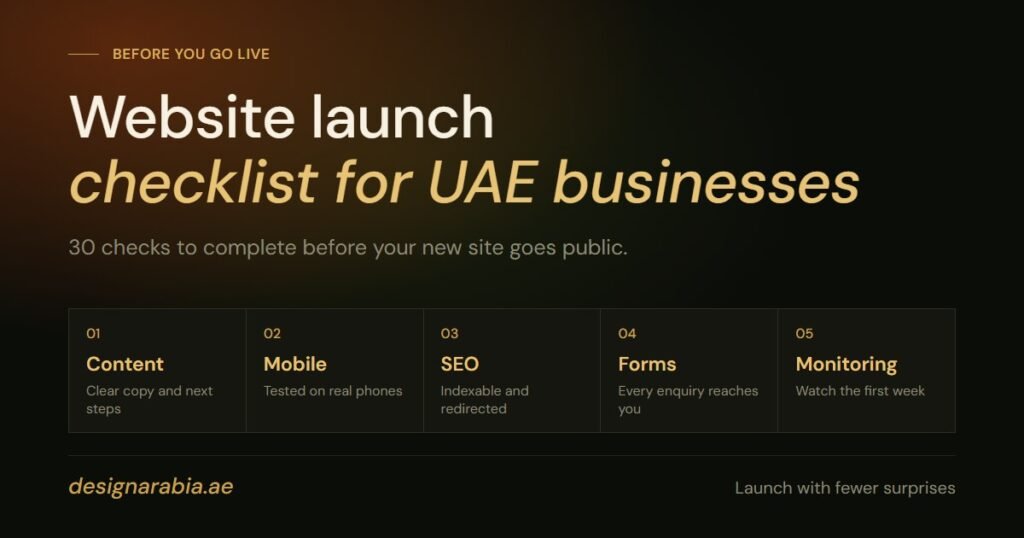
A successful website launch is not just about pressing “publish”. For SME business owners and marketing managers in Dubai, Sharjah, and Abu Dhabi, it means checking the details that affect trust, enquiries, search visibility, and day-to-day business operations. Use this website launch checklist to review your new site in a practical order before it goes live.
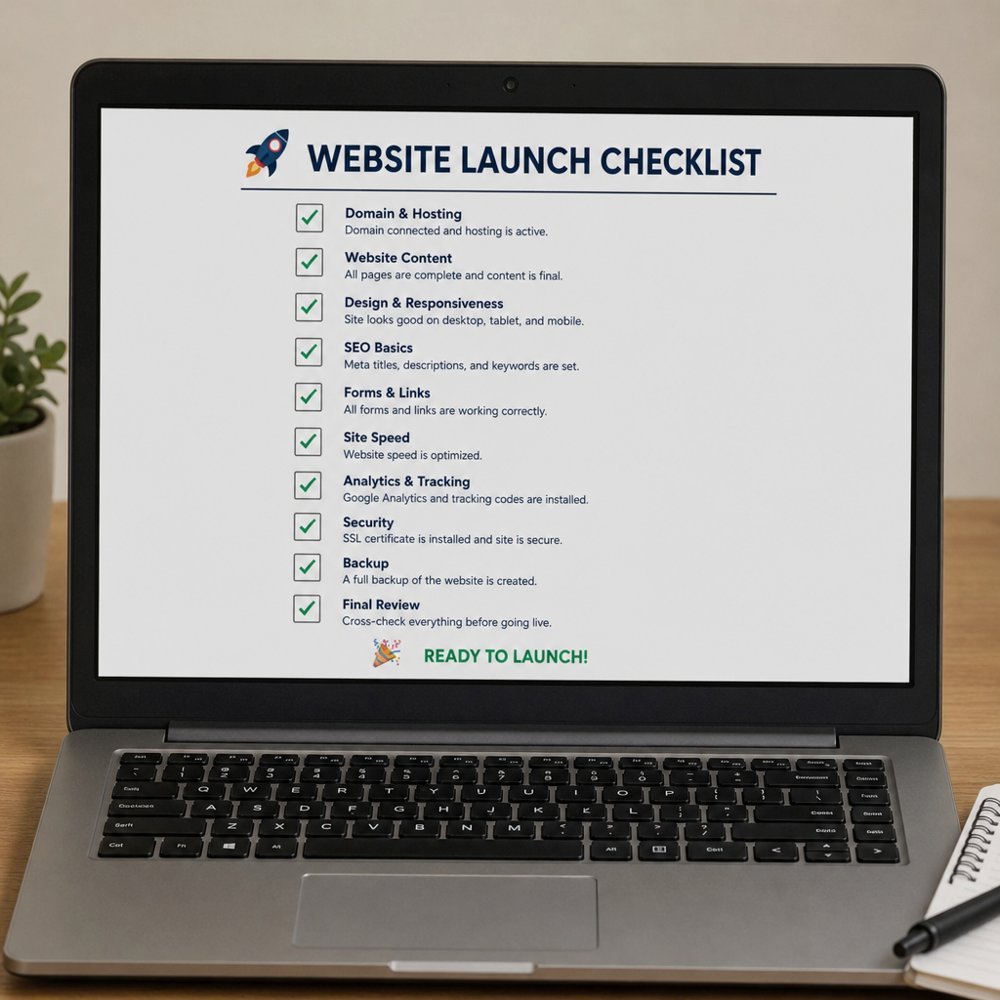
What should you check before launching a website?
Before launching a website, check the content, design, mobile experience, SEO basics, speed, security, forms, tracking, legal pages, browser compatibility, and post-launch monitoring. These areas help you avoid common issues such as broken pages, missing enquiry forms, slow loading, unclear service information, and tracking gaps. The checklist below gives you 30 focused items to review before sharing your site with customers, partners, and search engines.
Content and copy
Good website content should help visitors understand what you offer, where you operate, and what action they should take next. For UAE SMEs, this often means making your services clear for customers in Dubai, Sharjah, Abu Dhabi, and other Emirates without overloading the page with unnecessary detail.
- Check every page for clear messaging. Read each page from your customer’s point of view. Your homepage should explain what your business does, who it helps, and how someone can contact you or request a quote. Service pages should describe the service, the benefit, and the next step without relying on vague claims.
- Proofread all copy for spelling, grammar, and tone. Small mistakes can make a new website feel rushed. Check headings, button text, menu labels, contact details, footer copy, and image captions. If your audience includes both local and international customers, keep the language simple and direct.
- Confirm names, phone numbers, email addresses, and locations. Make sure your business name, trade name, phone number, WhatsApp number, email address, and office location are consistent across the site. This is especially important if you serve multiple areas such as Dubai, Sharjah, and Abu Dhabi. Inconsistent details can confuse customers and make follow-up harder.
- Review calls to action on key pages. Every important page should make the next step obvious. Common calls to action include “Request a Quote”, “Book a Consultation”, “Call Us”, or “Send an Enquiry”. Place them where users naturally need help, not only at the bottom of the page.
Design and mobile responsiveness
Your website should look professional, but it also needs to be easy to use. Many visitors in the UAE will open your site on a mobile phone while comparing suppliers, checking directions, or messaging your business.
- Test the homepage layout on desktop and mobile. Check that the logo, main menu, hero section, buttons, and key messages are visible without awkward spacing. On mobile, the first screen should quickly tell users where they are and what they can do next. Avoid designs where the main message is pushed too far down by large images.
- Check mobile menus, buttons, and tap areas. Open the site on a real phone and use it like a customer would. Menu items should be easy to tap, buttons should not sit too close together, and phone or WhatsApp links should work properly. If users struggle to navigate, they may leave before reading your offer.
- Confirm visual consistency across templates. Compare your homepage, service pages, blog posts, contact page, and any landing pages. Fonts, colours, button styles, spacing, and image treatment should feel consistent. A tidy layout helps build confidence, especially for first-time visitors who do not know your business yet.
- Check images for quality and relevance. Use clear images that support your message. Avoid blurry photos, stretched banners, or generic visuals that do not match your services. If your website has been rebuilt from an older version, a structured website redesign review can help you decide which visuals and layouts should be improved before launch.
SEO basics
SEO does not need to be complicated at launch, but the basics matter. A practical website checklist should include page titles, meta descriptions, redirects, sitemap, robots.txt, and Search Console so your site can be found, crawled, and measured correctly.
- Write unique page titles for important pages. Each main page should have a clear title that describes the page. Include the service and location where relevant, such as a Dubai, Sharjah, or Abu Dhabi service area, but keep it natural. Avoid using the same title on every page.
- Add helpful meta descriptions. A meta description is the short summary that may appear in search results. Write it like a clear invitation (our guide to writing title tags and meta descriptions shows how), explaining what the page offers and why someone should click. It does not need to be full of keywords, but it should match the page content.
- Check headings and on-page structure. Each page should have a clear main heading and supporting subheadings. Headings help readers scan the page and help search engines understand the topic. Use the words your customers actually search for, and only where they read naturally.
- Set up redirects for changed URLs. If you are replacing an old website, list any pages whose URLs have changed and redirect them to the closest new page. This helps visitors avoid error pages and protects search visibility where possible. It is especially useful during a redesign or platform change.
- Create and submit an XML sitemap. A sitemap helps search engines discover your important pages. Once the final pages are ready, generate the sitemap and submit it through Google Search Console. If you are using WordPress, your developer or SEO plugin can usually provide the sitemap link as part of WordPress development.
- Review robots.txt before launch. The robots.txt file tells search engines which parts of the site they can or cannot crawl. A common launch mistake is leaving a “do not index” setting active from the development stage. Ask your developer to confirm that public pages are not blocked.
- Connect Google Search Console. Search Console helps you see indexing issues, search queries, page errors, and other important signals after launch. Set it up before or immediately after the website goes live. This gives you a clearer view of how Google is reading the new site.
Speed and performance
A slow website can reduce enquiries, especially when users are browsing on mobile data. Speed is affected by image sizes, hosting, scripts, themes, plugins, and how the site is built.
- Compress and resize images. Large images are one of the easiest problems to fix before launch. Resize banners, gallery images, team photos, and blog images so they fit their display size. This keeps pages lighter without making the site look poor.
- Review hosting and caching setup. Your hosting should suit the size and purpose of the site. Ask your developer whether caching is enabled and whether the server location or content delivery setup is suitable for your audience. If most visitors are in the UAE, the site should load smoothly for users in the region.
- Limit unnecessary scripts and plugins. Too many add-ons can slow the site and make it harder to maintain. Review plugins, chat widgets, tracking scripts, sliders, and animation tools before launch. Keep what supports the business goal and remove what adds weight without clear value.
Security
Security checks protect your business, your customers, and your website investment. They also reduce the risk of downtime soon after launch.
- Install and test the SSL certificate. Your website should load with HTTPS, not as an insecure page. Test several pages to make sure the padlock appears and that visitors are not seeing browser warnings. This is important for contact forms, payment-related pages, and trust in general.
- Set up backups before launch. Arrange automatic backups for files and the database. Confirm where backups are stored, how often they run, and how they can be restored if something goes wrong. A backup plan is simple, but it can save hours of stress.
- Review admin users and access levels. Remove temporary users, old agency logins, and accounts that are no longer needed. Give each person the lowest access level required for their role. For example, a content editor may not need full administrator access.
- Use strong passwords and basic login protection. Make sure admin passwords are strong and not reused from other accounts. If available, enable two-step login for administrator accounts. This is a small task that can reduce common security risks.
Forms and tracking
Your website should not only look ready, it should send enquiries to the right people and record the actions that matter. This is where many launch problems appear, so test forms and tracking carefully.
- Test every form from start to finish. Submit test enquiries through contact forms, quote forms, booking forms, newsletter forms, and any job application forms. Check that the thank-you message appears, the email reaches the right inbox, and the submitted details are complete. Test from mobile as well as desktop.
- Check phone, email, map, and WhatsApp links. Click every contact link on the site. Phone numbers should open the dialler on mobile, email links should open a new message, map links should point to the right location, and WhatsApp links should use the correct number. For UAE businesses, WhatsApp can be a major enquiry channel, so do not leave it untested.
- Install Google Analytics and test conversion events. Google Analytics should be installed before launch so you do not miss early visitor data. Set up conversion events for important actions such as form submissions, phone clicks, WhatsApp clicks, quote requests, or booking confirmations. If you are working with a team for website development, confirm tracking responsibilities before go-live day.
Legal pages
Legal content depends on your business type, audience, and data collection methods. Do not copy legal pages blindly from another website. Use the points below as a practical reminder, then get proper advice where needed.
- Publish a clear privacy policy. Your privacy policy should explain what information you collect, why you collect it, and how people can contact you about their data. This is especially important if your forms collect names, phone numbers, email addresses, company details, or service requirements.
- Add a cookie notice if tracking tools are used. If your site uses analytics, advertising pixels, chat tools, or similar scripts, review whether a cookie notice is appropriate for your audience and compliance needs. The notice should be clear and easy to understand. Avoid hiding it in a way that frustrates users.
- Check terms, disclaimers, and policy links. If your website includes online payments, bookings, downloads, or advice-based content, review the terms and disclaimers before launch. Footer links to privacy, terms, and cookie information should work from every page. Broken legal links can make the site look unfinished.
Browser and device testing
A website can behave differently across browsers and screen sizes. Testing helps you catch layout, font, image, and form issues before customers find them.
- Test the site on common browsers and devices. Open the site in Chrome, Safari, Edge, and mobile browsers where possible. Test on a laptop, tablet, and phone. Look for overlapping text, broken menus, missing images, hard-to-read buttons, and forms that do not submit properly.
Post-launch monitoring
Going live is not the end of the process. The first few days after launch are important because real users and search engines begin interacting with the new site.
- Monitor the website after go-live. After launch, check forms, analytics, Search Console, page speed, redirects, and key pages daily for the first few days. Ask your team to report any issues quickly, including broken links, missing images, or enquiry emails not arriving. Keep a simple issue list with the problem, priority, owner, and status so fixes do not get lost. This is also a good moment to set up your Google Business Profile so the new website address appears consistently across Google.
How do you launch a website without missing important checks?
Use the checklist in stages rather than trying to review everything on launch day. First, complete content and design checks. Next, confirm SEO, speed, security, forms, tracking, and legal pages. Finally, test browsers and devices, then monitor the site closely after it goes live.
A simple launch process for a UAE SME can look like this:
- One week before launch: finish copy, design review, mobile testing, and key SEO items.
- Two to three days before launch: test forms, tracking, speed, redirects, SSL, backups, and user roles.
- Launch day: remove any staging blocks, connect the live domain, submit the sitemap, and run a final form test.
- First week after launch: monitor enquiries, analytics, Search Console, page errors, and user feedback.
This approach makes the website go live checklist easier to manage. It also gives your marketing team, developer, and business owner a shared view of what has been checked and what still needs attention.
Final pre-launch sign-off checklist
Before you approve the launch, bring the responsible people together for a short review. This does not need to be a long meeting. The goal is to confirm that the website is ready from a business, marketing, and technical point of view.
Use this sign-off summary:
- Content has been reviewed by the business owner or marketing manager.
- Mobile experience has been tested on real devices.
- SEO basics are in place, including titles, descriptions, redirects, sitemap, robots.txt, and Search Console.
- Speed, security, backups, and user access have been checked.
- Forms, phone links, WhatsApp links, analytics, and conversion events have been tested.
- Privacy policy, cookie notice, and relevant legal links are live.
- Browser testing has been completed.
- A post-launch monitoring owner has been assigned.
If any of these points are still unclear, pause and resolve them before launch. A short delay is often easier than fixing avoidable issues after customers have already visited the site.
Frequently Asked Questions
What is a website launch checklist?
A website launch checklist is a practical list of checks to complete before a new site goes live. It helps you review content, design, SEO, speed, security, tracking, legal pages, testing, and post-launch monitoring in an organised way.
Who should use this checklist?
This checklist is useful for SME business owners, marketing managers, web developers, and agencies preparing to launch a new website. It is especially relevant for businesses in Dubai, Sharjah, Abu Dhabi, and across the UAE.
Is this checklist only for new websites?
No. You can also use it for a website redesign, a WordPress rebuild, a landing page launch, or a major content update. The same basic checks help reduce errors before visitors see the site.
Do I need technical knowledge to use it?
You do not need deep technical knowledge to use the checklist. Some items, such as SSL, robots.txt, backups, and conversion tracking, may need help from your developer, but the purpose of each check is simple to understand.
When should Google Analytics and Search Console be set up?
Set them up before launch or as soon as the website goes live. This helps you collect early visitor data, check indexing, and spot issues quickly.
Get help with your website launch
If you are preparing to launch a business website in the UAE and want a practical review before going live, Design Arabia can help you check the important details and reduce avoidable launch issues. Contact Design Arabia to discuss your website launch, redesign, or development project.